Covers with chords on screen.
Write the song with its chords, sing to a teleprompter right by the lens, and export a video with the lyrics and chords moving in time.
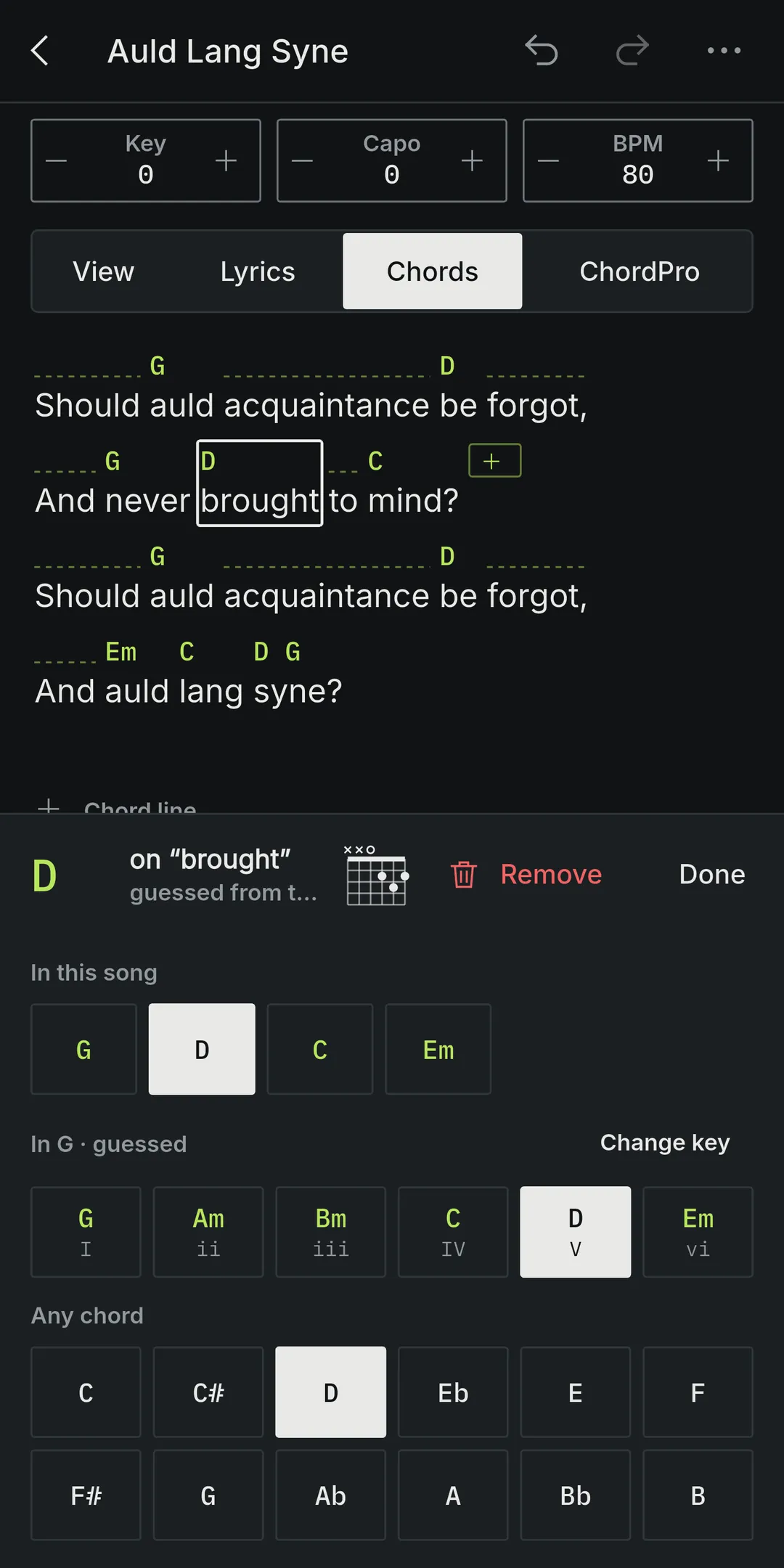
Write the song
- Type or paste the lyrics, then tap a word to put a chord over it.
- Set the key, capo and tempo; transpose in one tap.
- Paste ChordPro if you have it.
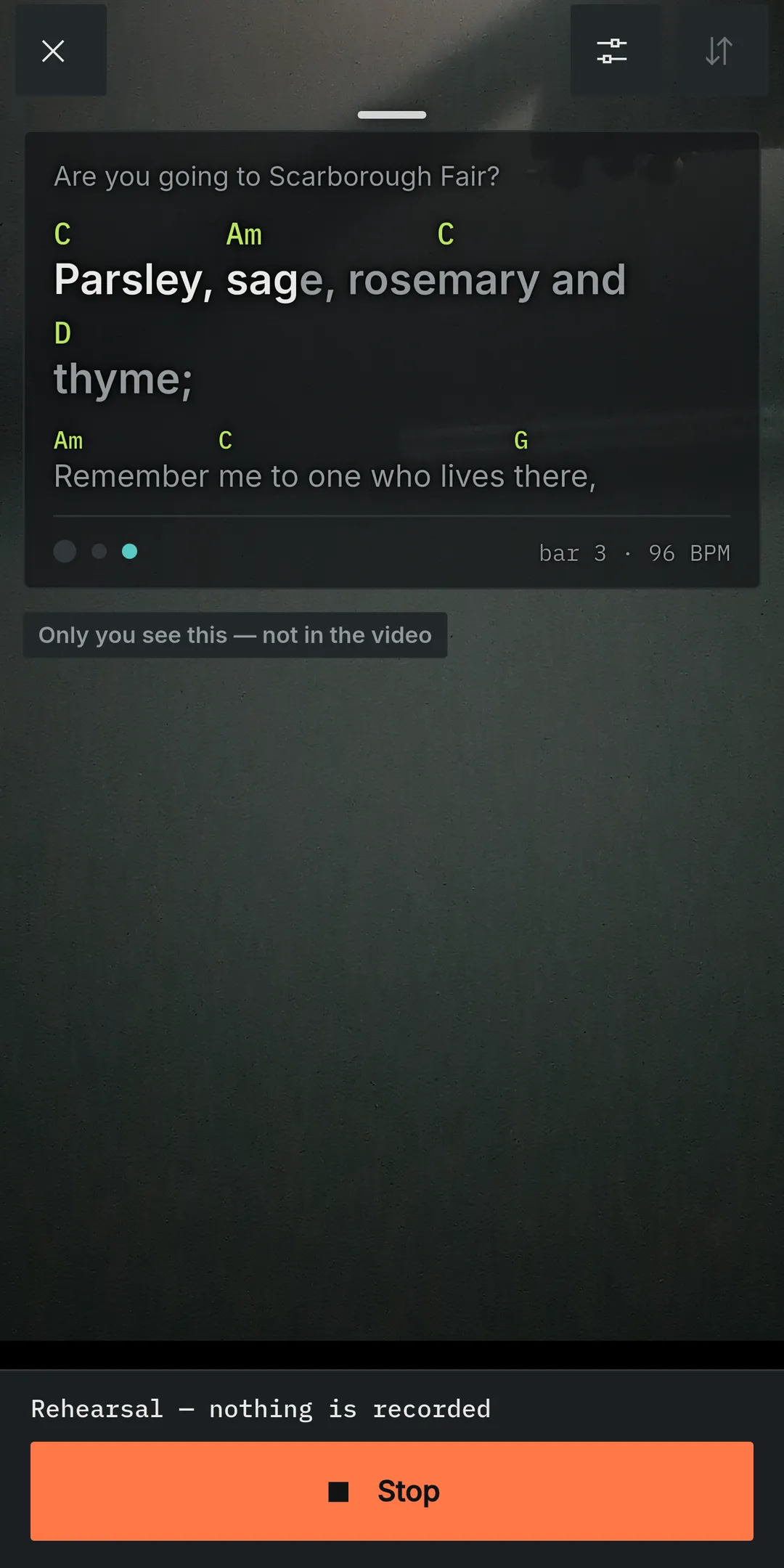
Film to a teleprompter
- The lines scroll by the tempo, with a count-in and the line you are singing filled in.
- The panel sits next to the lens, so you still look at the camera.
- Rehearse without recording, film as many takes as you like, or bring in a video.
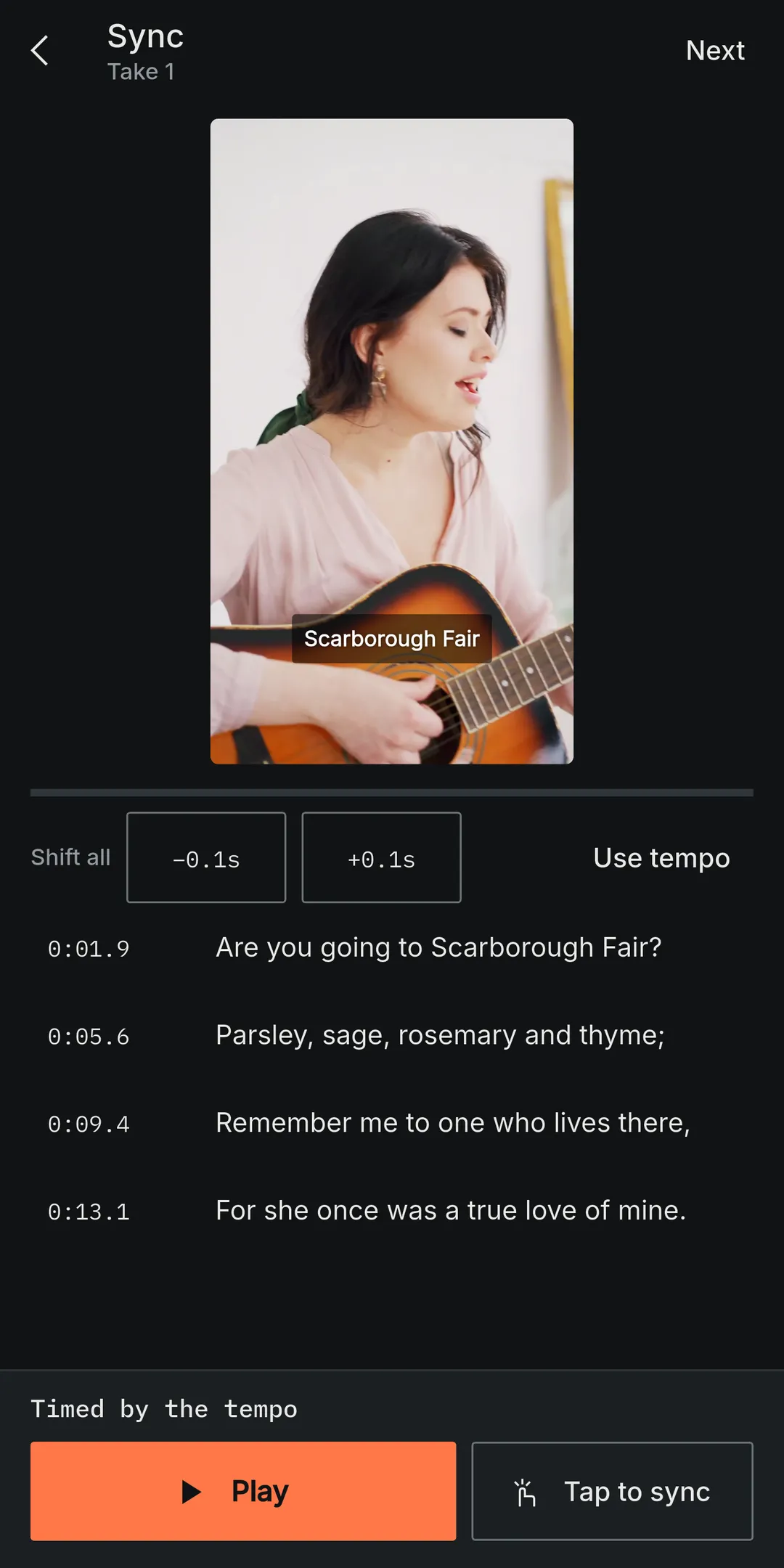
Sync the lyrics
- Time the lines by the tempo, or tap each one as you hear it.
- Every chord lands on its word, on the beat.
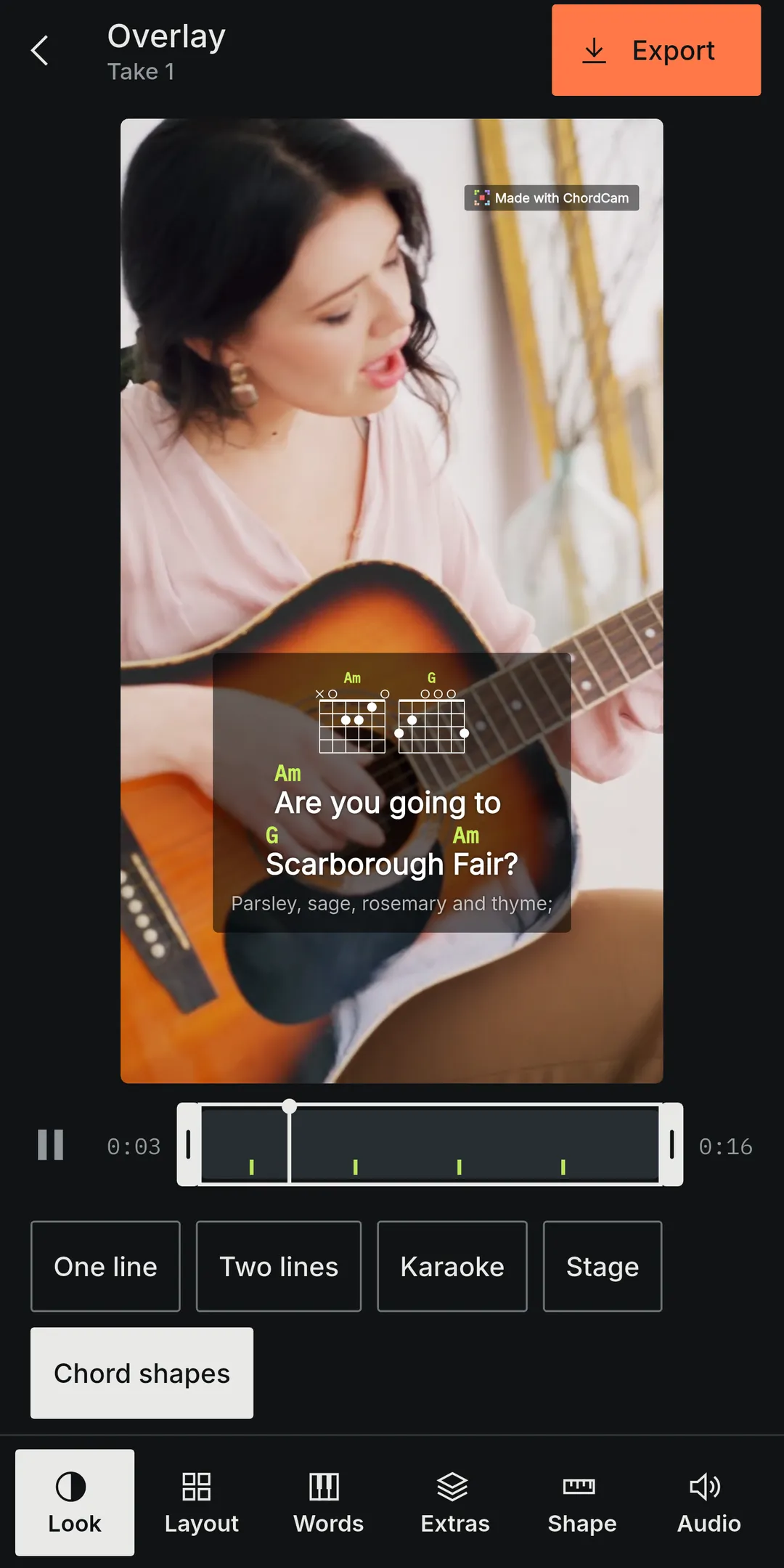
Make the video
- 9:16 for Reels, Shorts, TikTok and Stories.
- Lyrics and chords burnt into a 1080×1920 video, made on your own device.
- Download it or share it straight away.
1080 × 1920 · 30 fps
Your videos stay yours
No account, no sign-in, no uploads. Your songs, takes and videos stay in the browser on your device until you share them.